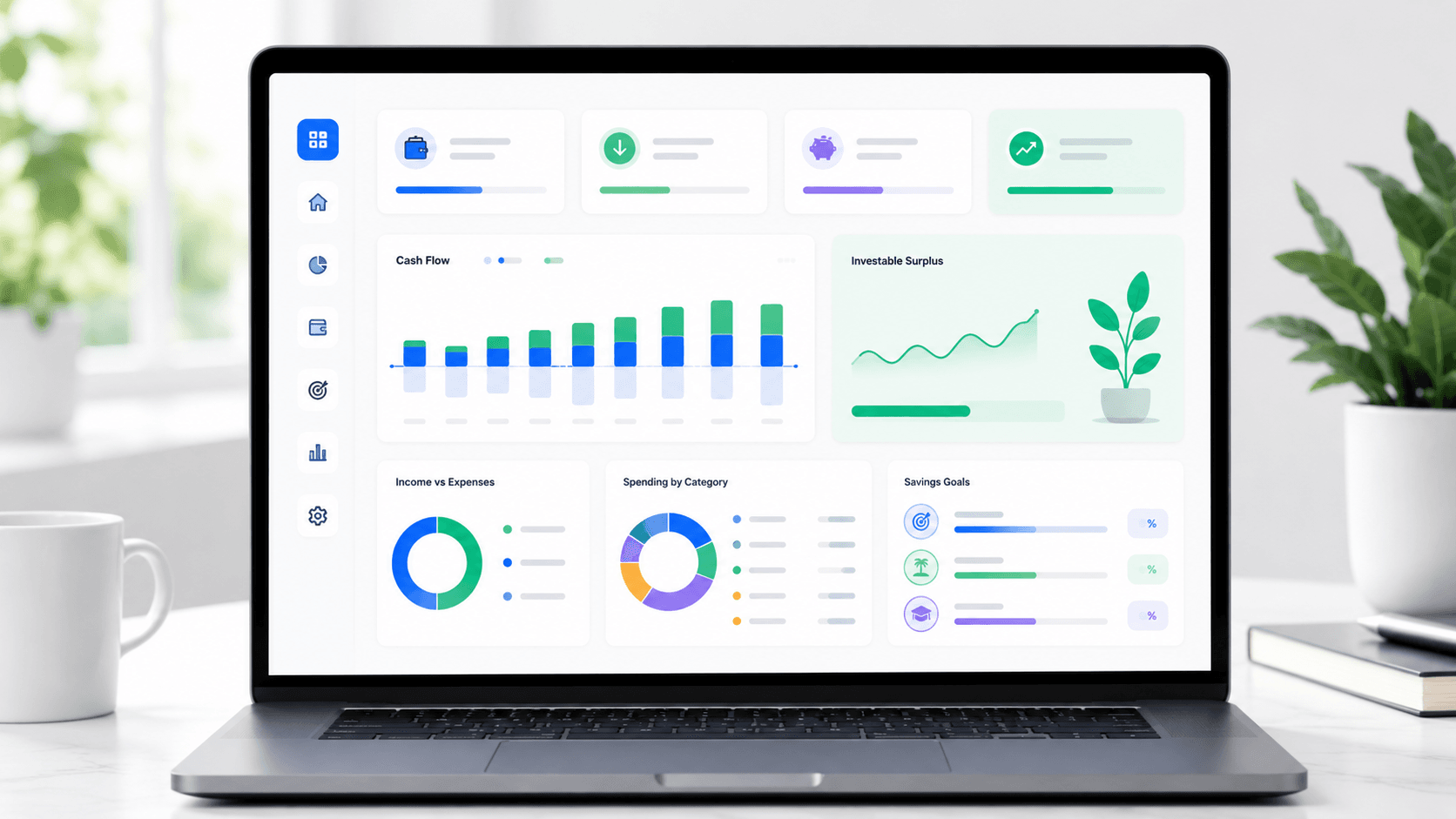
Use the Free Budget Planner
Enter your income, expenses and savings goals directly in the tool. The goal is not to create a perfect spreadsheet. The goal is to understand your real monthly cash flow and make better decisions with the money left after essentials. For a simple government overview of budgeting basics, see consumer.gov's guide to making a budget.
How WhatIfBudget Helps You Make Better Money Decisions
A budget is useful only when it leads to action. This free budget planner is designed to help you move from vague spending anxiety to a clear monthly plan: what comes in, what goes out, what must be protected and what can be redirected toward stronger financial goals.
1. Map real income
Add salary, freelance income, side income or other recurring cash flow. This gives you the base number every other financial decision depends on.
2. Separate expenses
Break spending into fixed bills, flexible costs and irregular expenses. This makes it easier to find leaks without pretending every month is identical.
3. Find surplus
Estimate how much money is realistically available for savings, debt payoff or investing before lifestyle spending quietly absorbs it.
How to Use This Free Budget Planner Without Overthinking It
A free budget planner works best when it starts with real numbers, not perfect numbers. Begin with your normal monthly income after taxes, then add the expenses you already know: housing, utilities, insurance, transportation, debt minimums, subscriptions and groceries. After that, add the spending categories that change from month to month.
The first result is your baseline. It may not look ideal, but it gives you a truthful starting point. Once you know the baseline, adjust one category at a time. Lower flexible spending, increase planned savings or test how much you can send toward debt payoff without making the plan impossible to follow.
- Use monthly amounts when possible so the result is easy to compare.
- Convert annual costs into monthly amounts before judging your surplus.
- Keep a small buffer for irregular expenses instead of budgeting every dollar too tightly.
- Use the surplus result as a planning number, not as a promise that every month will be identical.
What the Budget Health Score Means
The budget health score is not a credit score and it is not financial advice. It is a simple way to summarize whether your plan has enough balance between needs, wants, savings and remaining surplus. A high score usually means your fixed costs are controlled, your savings rate is visible and the budget does not depend on unrealistic cuts.
A low score does not mean the plan failed. It means one part of the budget deserves attention first. For many people, the fastest improvement comes from subscriptions, restaurants, shopping, delivery apps or other flexible categories. For others, the limiting factor is fixed cost pressure, which may take longer to change but has a bigger long-term impact.
- Below 50: stabilize the plan before investing aggressively.
- 50 to 69: improve one category and protect a small emergency buffer.
- 70 to 84: the budget can support stronger savings or DCA planning.
- 85 and above: test long-term investing scenarios with more confidence.
From Budgeting to Investing: The Recommended Workflow
The strongest financial plans usually begin with cash flow. Once you know how much surplus you can keep each month, you can project what that surplus could become using the rest of the WhatIfInvested tool ecosystem.
| Step | Question | Best tool | Why it matters |
|---|---|---|---|
| 1 | How much money can I save monthly? | WhatIfBudget | Creates the monthly surplus that funds every future goal. |
| 2 | What could recurring investing become? | DCA Calculator | Turns a monthly amount into a long-term investment projection. |
| 3 | How does compounding change the outcome? | Compound Interest Calculator | Shows principal, contributions and interest growth over time. |
| 4 | What would a past investment have done? | Investment Simulator | Tests historical scenarios before you commit to a strategy. |
| 5 | When does the plan need deeper analysis? | Premium access | Moves serious plans into saved scenarios, advanced assumptions and exportable reports. |
Budgeting Methods Compared
Different budgeting systems can work, but each one answers a different problem. WhatIfBudget is built to stay practical: it helps you understand cash flow first, then decide whether a simple rule, a detailed plan or an investing workflow fits the month ahead.
| Method | Best for | Limit | How to use it with WhatIfBudget |
|---|---|---|---|
| 50/30/20 budget | Quick structure for needs, wants and savings. | Too simple when income is irregular or debt is high. | Use the ratio panel to see if your plan is close to the rule, then adjust categories. |
| Zero-based budget | People who want every dollar assigned before the month starts. | Can feel rigid if irregular expenses are common. | Use savings goals and flexible categories to bring surplus close to a planned buffer. |
| Pay-yourself-first budget | Investors and savers who want consistency. | Risky if essentials and emergency savings are not protected first. | Set emergency fund, debt payoff and investing rows before reviewing lifestyle spending. |
| Cash-flow budget | People who need a realistic view of what is left each month. | Requires honest inputs and regular review. | Use WhatIfBudget as the monthly cash-flow snapshot, then send surplus to DCA or compound planning. |
What to Review Each Month
Monthly budgeting works best when you review a few high-impact numbers instead of obsessing over every small purchase. Focus on the numbers that change behavior.
- Your actual income after taxes and deductions.
- Your fixed expenses: rent, utilities, insurance and debt minimums.
- Your flexible spending: groceries, restaurants, shopping and subscriptions.
- Your savings rate and whether it is improving over time.
- Your investable surplus after emergency savings and debt priorities.
When a Budget Becomes Powerful
A budget becomes powerful when it changes the next decision. If WhatIfBudget shows that subscriptions, food delivery or impulse purchases are blocking your savings goal, the next step is not guilt. The next step is reallocating dollars toward the priorities you actually care about.
The page also supports internal planning across WhatIfInvested. Start here for cash flow, then move to the DCA Calculator or Compound Interest Calculator when you are ready to model growth. If your budget already supports a serious monthly investing plan, review Premium access to compare deeper investment scenarios, saved assumptions, benchmarks and export-ready reports.
Before You Invest Your Monthly Surplus
Finding investable surplus is only the first step. Before sending that money into a long-term strategy, make sure the budget can survive normal life: irregular bills, emergency costs, income changes and months where flexible spending runs higher than expected.
Protect essentials first
Do not treat every positive surplus as investment money. Rent, food, insurance, transportation and minimum debt payments should stay protected before a recurring investment plan begins.
Build a buffer
A starter emergency fund can prevent small surprises from turning into credit card debt. If the budget is fragile, direct some surplus to cash reserves before increasing risk.
Test consistency
Use the same monthly surplus for two or three budget cycles. If the number holds up, model it with the DCA Calculator or Compound Interest Calculator.
Who Should Use WhatIfBudget First?
WhatIfBudget is useful for anyone who wants a clearer monthly plan before making bigger financial decisions. It is especially helpful when the next step depends on knowing one number: how much money can safely be directed toward a goal every month.
New investors
If you want to start investing but do not know whether the right amount is $50, $250 or $500 per month, use the free budget planner first. The surplus number gives the DCA Calculator a more realistic input.
Debt payoff planners
If debt payments are part of the budget, separate minimum obligations from extra payoff capacity. This helps you avoid investing money that should first protect cash flow or reduce high-interest debt.
Households with irregular costs
If annual bills, car repairs, school costs, insurance renewals or travel regularly surprise the budget, convert those costs into monthly amounts. This keeps the surplus result from looking stronger than it really is.
The tool is also useful for people who already invest but want to increase consistency. A strong investing plan is not only about choosing assets. It is about knowing whether the contribution schedule can continue when the month is busy, expensive or unpredictable. That is why WhatIfBudget belongs before the DCA Calculator, Compound Interest Calculator and Investment Simulator in the WhatIfInvested workflow.
If the budget shows no surplus yet, the best next step is not a complex investing simulation. The best next step is usually a simpler monthly plan, a clearer emergency buffer and one realistic category improvement. If the budget shows positive surplus for several months, then it becomes reasonable to compare recurring investing, compounding and historical market scenarios.
Budget Categories Worth Tracking
Most budget problems come from categories that look small alone but become large together. Use this breakdown to decide what to track carefully and what can stay simple.
Essentials
Housing, utilities, groceries, insurance, transportation and minimum debt payments. These costs determine how much room your budget has before lifestyle choices.
Flexible spending
Restaurants, entertainment, shopping, hobbies and subscriptions. This is usually where the fastest improvements happen because choices are more adjustable.
Future goals
Emergency fund, debt payoff, retirement investing, travel savings and planned large purchases. These deserve their own line so they do not depend on leftovers.
Common Budget Mistakes to Avoid
Many budgets fail because they are built around ideal behavior instead of real behavior. A strong budget should leave room for irregular bills, small pleasures and unexpected costs while still protecting savings goals.
- Forgetting annual costs such as renewals, gifts, car maintenance or travel.
- Counting savings only after spending instead of assigning savings first.
- Using categories that are too vague to reveal where money is leaking.
- Making the budget so restrictive that it becomes impossible to follow.
Helpful Budgeting Guides
Use these guides if you want more detail after using the planner. They help you turn a monthly budget into clearer decisions about savings, debt payoff and investing.
Monthly Review Routine
The best budget is not the one with the most categories. It is the one you actually review. A simple monthly routine keeps WhatIfBudget useful without turning personal finance into a full-time job.
- At the start of the month, enter expected income and planned expenses.
- After major bills are paid, update categories that changed.
- Before the month ends, compare planned savings with actual surplus.
- If the surplus is positive, choose whether it should go to debt, emergency savings or investing.
- If the surplus is negative, identify one flexible category to reduce next month.
This rhythm keeps the budget connected to action. It also helps you avoid one of the most common mistakes: creating a budget once and never using it to guide the next decision.
Privacy, Scenarios and Exports
WhatIfBudget is designed as a quick browser-based planner. The free workflow helps you test a budget without creating a complicated account flow first. Saved scenarios are stored locally in your browser, which makes the tool convenient for repeat planning while keeping the starter experience simple.
CSV, JSON and print options are useful because a budget often needs to be reviewed outside the page. You might compare a saved scenario with a partner, keep a monthly snapshot or transfer numbers into your own spreadsheet. For investment modeling, use the next WhatIfInvested tools after you know the monthly amount you can realistically commit.
- Use CSV for a simple spreadsheet copy of your categories.
- Use JSON when you want to preserve the full budget structure.
- Use print or PDF when you want a monthly snapshot.
- Use saved scenarios to compare different spending plans on the same device.
How WhatIfBudget Fits the WhatIfInvested Funnel
WhatIfBudget is the cash-flow starting point. It does not try to replace the DCA Calculator, Compound Interest Calculator or Investment Simulator. Instead, it gives those tools a better input: a monthly amount that comes from a real budget instead of a guess.
Simulate
Once your monthly surplus is clear, use the Investment Simulator to test what a past investment would have done under market conditions.
Compare
Use DCA and compound tools to compare contribution amounts, time horizons and strategy choices before committing to a plan.
Understand
Use the guides and FAQ sections to understand why budgeting, saving and investing work better when they are connected.
Frequently Asked Questions
These answers cover the most common questions about using the planner, building a monthly budget and turning cash flow into a practical financial plan.
Is WhatIfBudget free to use?
Yes. The core free budget planner can be used as a browser-based budgeting tool. You can use it to organize income, expenses and savings goals before moving to investment calculators.
Do I need an account to create a monthly budget?
No account is required for the basic workflow. You can quickly test a monthly budget and understand your cash flow without a complicated setup.
What is investable surplus?
Investable surplus is the money left after income covers essential expenses, planned savings and necessary obligations. It is the amount you may be able to put toward DCA investing, debt payoff or other long-term goals.
Should I budget before investing?
Yes. A budget helps you invest consistently because it shows how much money you can commit without relying on guesswork. After using WhatIfBudget, you can model that amount with the DCA Calculator or Compound Interest Calculator.
What tools should I use after WhatIfBudget?
Use the DCA Calculator to model recurring investing, the Compound Interest Calculator to project future value and the Investment Simulator to test historical scenarios. The calculators page links the full workflow together.
Can I use this free budget planner without Excel?
Yes. WhatIfBudget is built to work directly in the browser. You can still export or print your results if you want to keep a separate monthly record.
How often should I update my budget?
A monthly review is usually enough for most people. Update the budget sooner if income changes, a large bill appears or your savings target changes.
Can this help me decide how much to invest each month?
Yes. The surplus result can become the starting amount for recurring investment planning. Before investing, make sure essentials, debt obligations and emergency savings are covered.
Turn Your Budget Into a Financial Plan
Use WhatIfBudget to find your monthly surplus, then model that surplus with the DCA Calculator, Compound Interest Calculator and Investment Simulator. If the numbers are strong enough for deeper planning, compare Premium access before committing to a repeatable planning workflow.